Auth Block
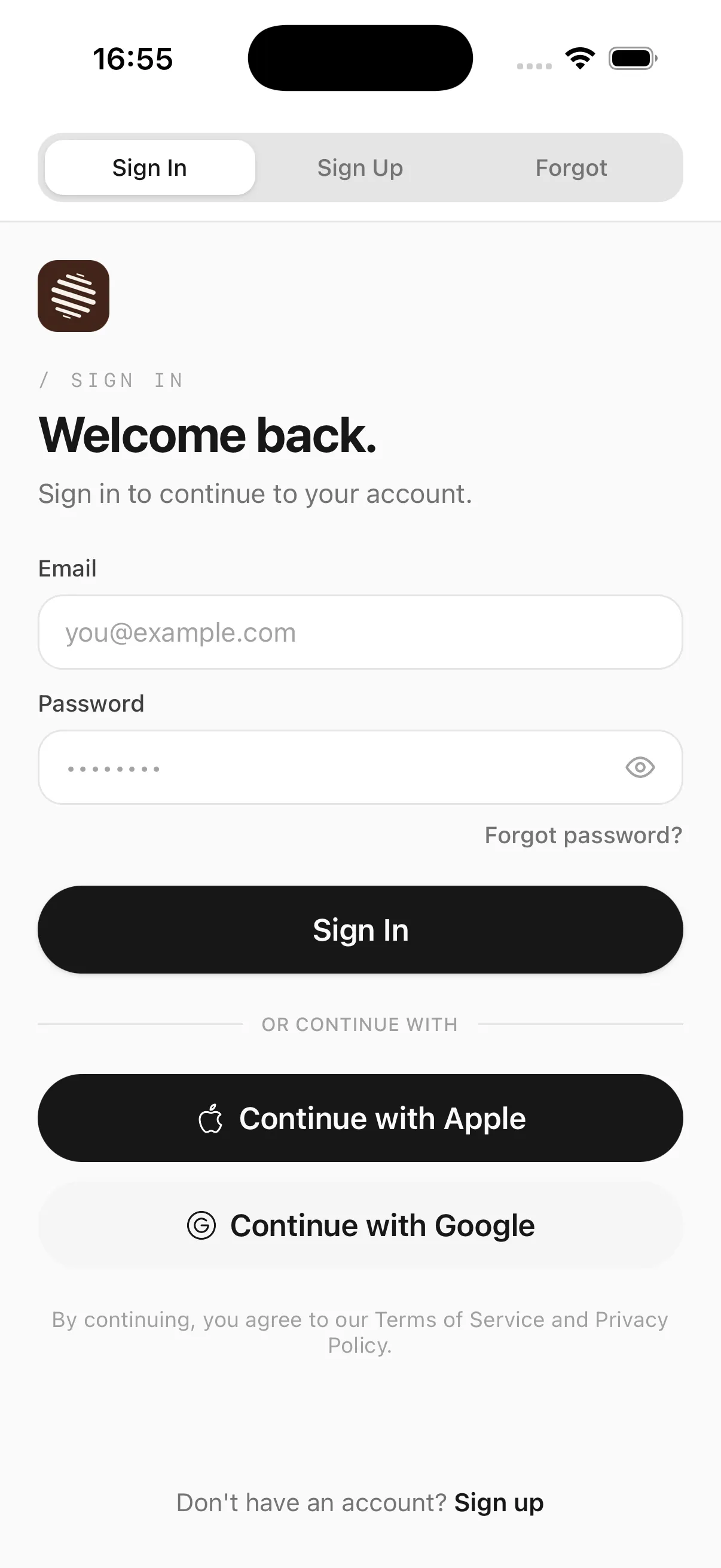
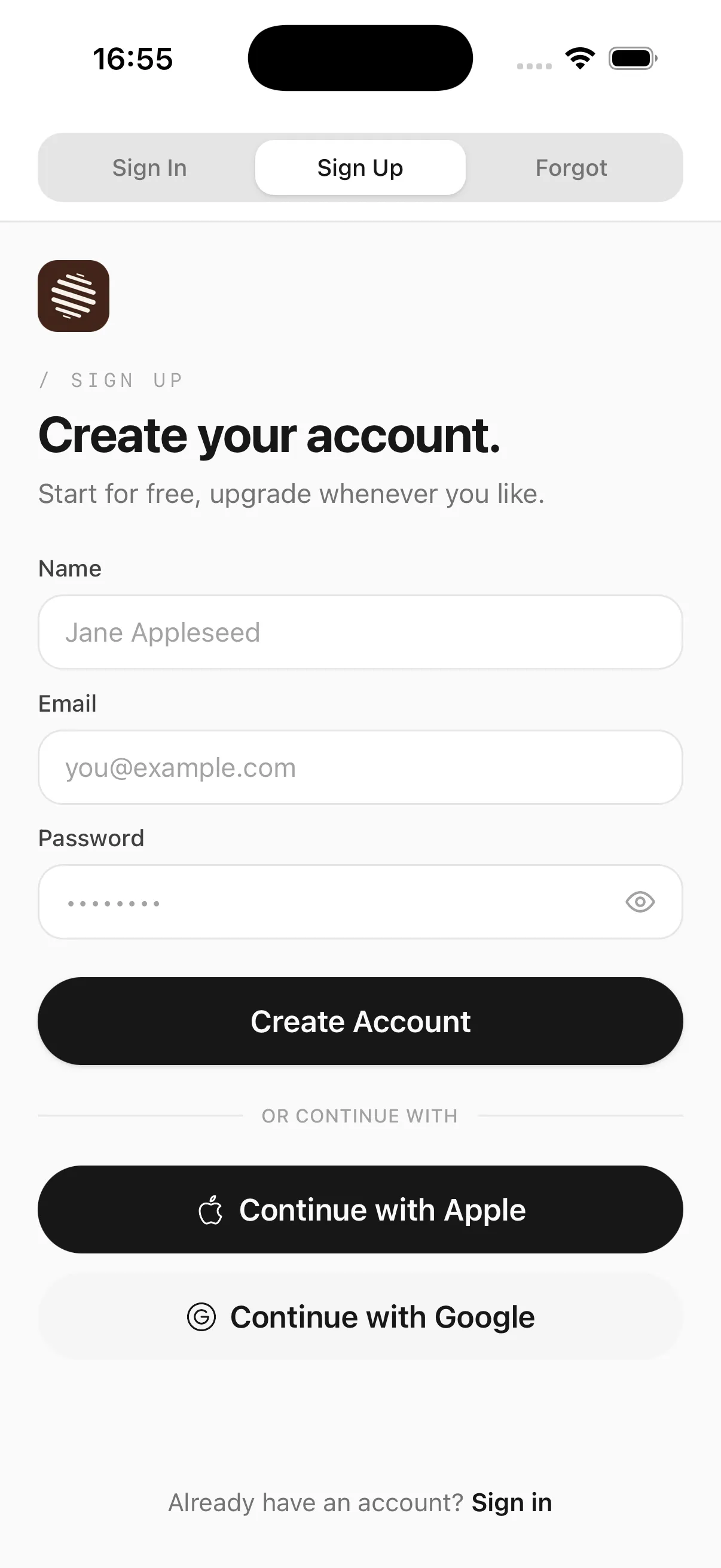
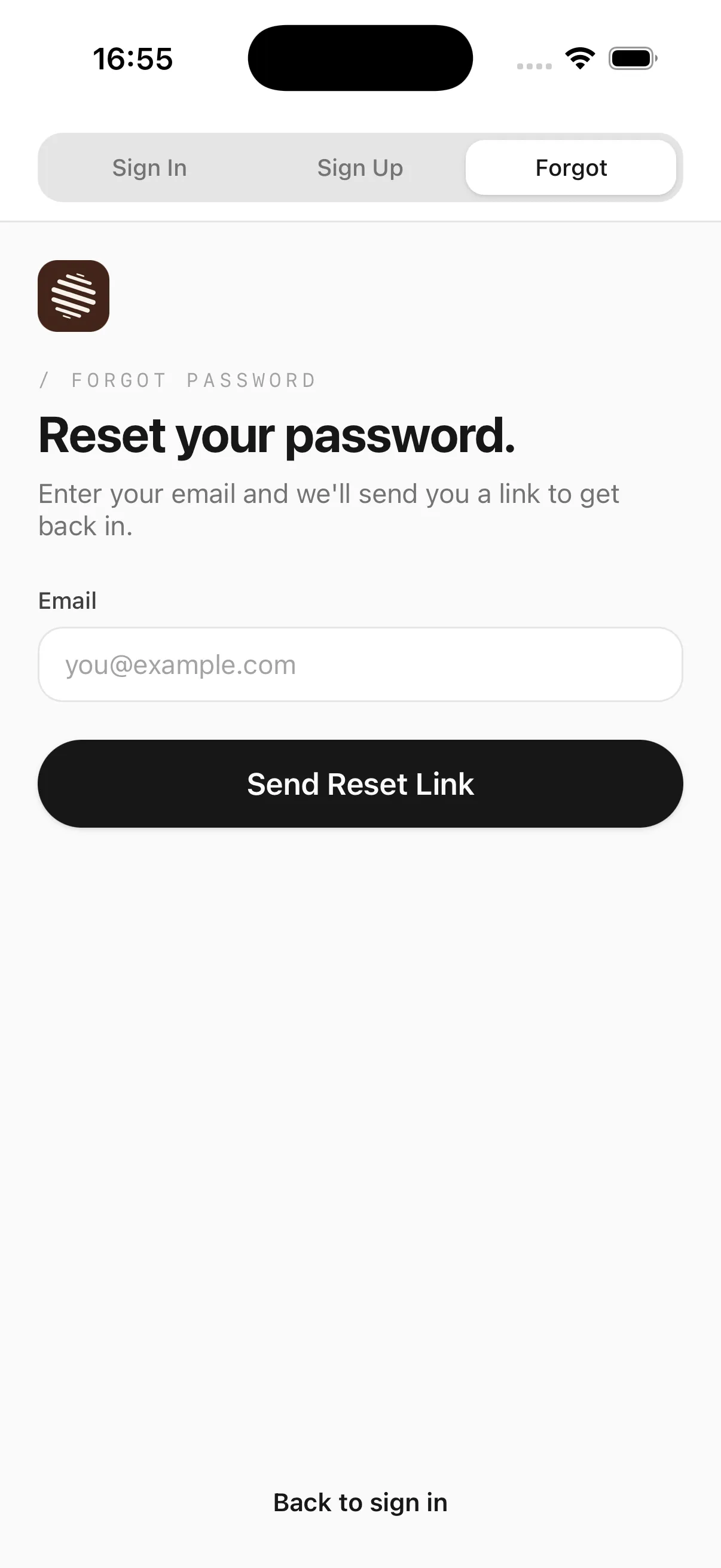
Sign in, sign up and forgot-password screens, ready to drop into Expo Router — built from your own Button, Input and Divider.
Prerequisites
The block is built entirely from components already in the registry — install those first.
npx @rslab/cli add button input divider
Install
npx @rslab/cli add auth-block
Usage
Unlike a single component, this installs straight into app/(auth)/, wired for Expo Router.
app/(auth)/
  sign-in.tsx
  sign-up.tsx
  forgot-password.tsx
components/ui/auth/
  SignInScreen.tsx
  SignUpScreen.tsx
  ForgotPasswordScreen.tsx
  SocialButtons.tsx
Each route is a thin wrapper: it renders the matching screen and passes it the router navigation.
import { router } from 'expo-router';
import { SignInScreen } from '@/components/ui/auth/SignInScreen';

export default function SignIn() {
  return (
    <SignInScreen
      onForgotPassword={() => router.push('/forgot-password')}
      onSignUp={() => router.push('/sign-up')}
    />
  );
}
Wire up onSignIn / onCreateAccount / onSendResetLink on the underlying screens to your own auth call — they take a loading callback and flip the submit button into a spinner state while it's pending.
See exactly how this works with an RSLAB subscription.
Get Pro